


Are you looking for the best WordPress calendar plugins? Yes? Here are some of the best calendar plugins for WordPress.
WordPress calendar plugins make it easier for website owners to display events and take bookings. They come with lots of different features. Some are made for simple event management, while others offer booking, ticketing, and scheduling features.
Choosing the right plugin can feel overwhelming, especially for beginners. For this reason, we’ve tested and reviewed numerous WordPress calendar plugins to showcase the best ones that cater to the needs of different users.
In this post, we’ve compiled a list of the best WordPress calendar plugins for your site.
Table of Contents
Key Features to Look for in a WordPress Calendar Plugin
Choosing the right WordPress calendar plugin depends on whether you are simply displaying community dates, running a professional booking system, or selling tickets for major events.
Here are some of the key features to look for, categorized by their importance for your site.
1. Event Management
If you run an event management WordPress website, the plugin should handle the logistics of your events without requiring manual work every time a date changes.
- Multiple Views: The plugin should offer more than just a grid, such as List View (best for mobile), Map View (for physical venues), and Agenda View.
- Recurring Events: Look for “complex recurrence” (e.g., every first Monday of the month) rather than just simple daily/weekly repeats.
- Venue & Organizer Management: The plugin should provide the ability to save and reuse locations and host profiles so you don’t have to retype them for every event.
- Time Zone Support: It’s essential if you host virtual events or have an international audience.
2. User Experience (UX) & Design
The user experience is essential for every type of website. If your Calendar is hard to read or navigate, users will leave.
- Mobile Responsiveness: The calendar must be responsive to ensure it displays correctly on mobile devices.
- Advanced Filtering: This feature is crucial for sites hosting numerous events. The users should be able to filter by Category, Tag, or Location.
- Search Functionality: A dedicated search bar within the calendar can help your users to search for specific events.
- Customization: The plugin should allow you to change colors and fonts to match your brand without needing to write custom CSS.
3. Integrations & Automation
Modern calendar plugins should integrate with third-party tools that you already use.
- iCal & Google Calendar Sync: This allows your users to “Add to Calendar” with one click.
- Email Integrations: It’s essential to communicate with your users once they’ve interacted with your calendar. You may need to send confirmations, reminders, payment details, etc.
- Video Conferencing: The plugin should integrate tools like Zoom or Google Meet that automatically generate meeting links upon registration.
- Page Builder Compatibility: The plugin should have blocks or widgets for Gutenberg, Elementor, or Divi so you can easily embed calendars anywhere.
4. Advanced Features (Monetization & Marketing)
If you run a business website, you may need advanced features for monetization and marketing.
- Ticketing & RSVPs: Look for features like QR code check-ins and attendee lists.
- Payment Gateways: The plugin should support PayPal, Stripe, or WooCommerce for selling tickets.
- Frontend Submissions: This allows users to submit their events for your approval.
The plugin should be well-documented and have a good support team. If you need help troubleshooting issues, setting up, and navigating the interface, these resources will help you.
The Best WordPress Calendar Plugins (Compared)
| Plugin | Pricing | Best For |
|---|---|---|
| Sugar Calendar | Free + Premium (Starting from $49.50/yr) | Event and booking management |
| The Events Calendar | Free + Premium (Starting from $149/yr) | Enterprise-level event management |
| My Calendar | Free + Premium (Starting from $69/yr) | Free calendar and event management solution |
| WP Event Manager | Free + Premium (Starting from $99/yr) | WooCommerce stores |
| Booking Calendar | Free + Premium (Starting from $79) | Bookings and appointments |
| Modern Events Calendar | Free + Premium (Starting from $99/yr) | Modern event management |
| EventPrime | Free | Free calendar solution |
1. Sugar Calendar
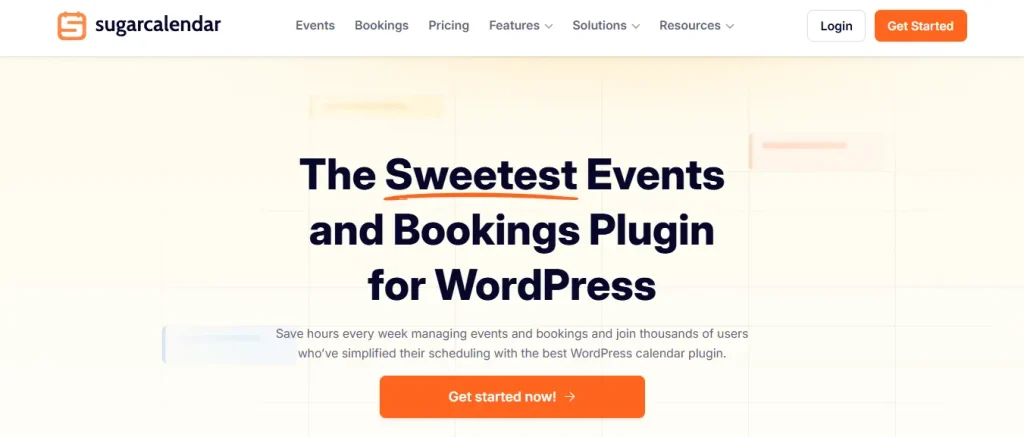
Sugar Calendar is a popular and beginner-friendly events management and booking plugin for WordPress. It’s designed to be bloat-free, providing essential calendar features without the complexity and performance issues.
Sugar Calendar is specifically built for two separate solutions in one ecosystem: Events (for scheduling) and Bookings (for appointments).
Key Features:
- Simple Event Creation: It allows you to create unlimited events, manage event dates, start/end times, and descriptions directly within the WordPress dashboard.
- Recurring Events: Set events to repeat daily, weekly, monthly, or yearly.
- Event Ticketing: Sell tickets directly via Stripe or WooCommerce. Also, it handles multiple ticket types (VIP, General, etc.) and inventory limits.
- RSVP Management: Track attendee responses directly in your WordPress dashboard.
- Calendar Feeds: It syncs your website calendar with Google Calendar, iCal, or Outlook.
- Frontend Submissions: It allows your users to submit their own events via a form for you to approve.
- Time Zone Support: You can assign specific time zones to events, which is crucial for webinars or international meetings.
| Pricing: Free + Premium (Starting from $49.50/yr) |
| Pros: User-friendly, lightweight, mobile-friendly, and seamless integration |
| Cons: Limited free version and limited documentation |
| Why We Recommend Sugar Calendar: It offers powerful features, unlimited calendar creation options, event customization, and ease of use. It’s a complete calendar solution for event and booking management. |
2. The Events Calendar

As the name suggests, The Events Calendar is the most popular event management plugin for WordPress. It is designed to help users create, manage, and display events—ranging from small community meetups to large-scale conferences.
This plugin stands out from other options because it’s an all-in-one solution that helps you create multiple calendars, manage events, sell online tickets, and much more.
Key Features:
- Rapid Event Creation: Add events with titles, descriptions, dates, and times.
- Multiple Views: Highlight your events with month, list, day, week, photo, map, and summary views.
- Recurring Events: Set up events that repeat daily, weekly, or monthly.
- Search & Filtering: Users can search for events by keyword or date.
- Exporting: Allows users to add events to Google Calendar, iCalendar, or Outlook.
- Google Maps Integration: You can automatically display maps for event locations.
- Elementor Integration: Native widgets to style events using the Elementor page builder.
- Time Zone Support: Set the time zone for your events and keep everyone on the same schedule.
| Pricing: Free + Premium (Starting from $149/yr) |
| Pros: User-friendly, highly extensible, SEO ready, and excellent documentation |
| Cons: Premium plans are expensive, and styling limitations |
| Why We Recommend The Events Calendar: It’s an all-in-one solution for calendar and event management. |
3. My Calendar

My Calendar is a free and powerful event management and calendar solution for WordPress. Unlike other all-in-one plugins that can feel bloated, My Calendar focuses on flexibility and clean code.
This plugin is well-known for its deep commitment to web accessibility, making it the top choice for government, education, and non-profit websites that must comply with ADA or WCAG standards.
Key Features:
- Multiple Views: Display events in a monthly grid, a list view, or a compact “mini-calendar” widget.
- Recurring Events: Supports recurring events (daily, weekly, monthly, yearly).
- Custom Templates: It provides a highly flexible templating system that allows you to control exactly how events look using placeholders.
- Frontend Submissions (Pro): Allow visitors or members to submit events to your site.
- Event Imports (Pro): Automatically imports events from external sources like Google Calendar, iCal feeds, or CSV files.
- Advanced Search (Pro): Visitors can search by keyword, date range, or category.
- Custom Fields (Pro): Create additional data fields for your events.
| Pricing: Free + Premium (Starting from $69/yr) |
| Pros: Web accessibility, bloat-free, powerful free features, and supports custom CSS |
| Cons: Limited event entries in the free version and outdated UI |
| Why We Recommend My Calendar: If you need a free solution for calendar and event management, My Calendar offers basic features and supports advanced customization. |
4. WP Event Manager
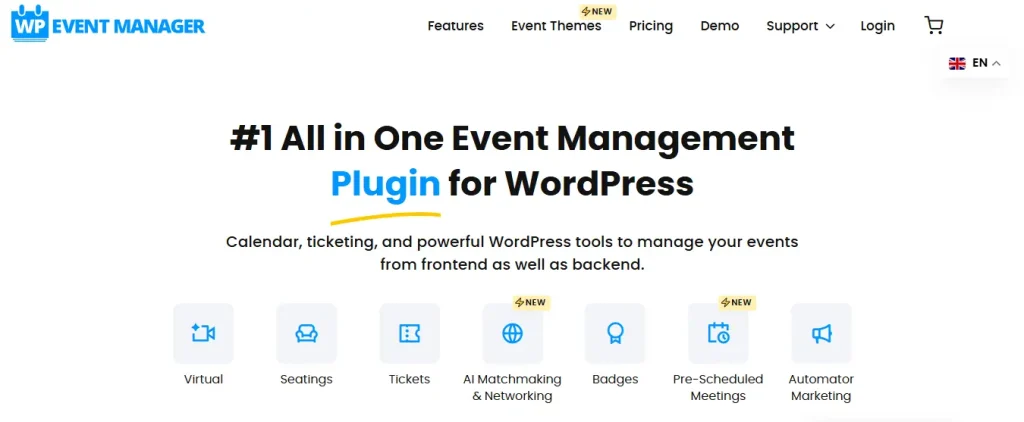
WP Event Manager is a lightweight WordPress plugin designed to be “freemium.” It offers a lean core plugin that provides basic event listing functionality for free, while advanced features are available through a modular system of paid add-ons.
Unlike other all-in-one calendar plugins, WP Event Manager allows you to select only the specific features you need (such as ticketing or a calendar), making it a popular choice for developers and site owners who prioritize performance.
Key Features:
- Frontend Event Submissions: Allows users/organizers to submit and manage their own event listings from the front of your site.
- Ticketing & QR Codes: Sell tickets via WooCommerce and utilize a free mobile app to check attendees in by scanning QR codes.
- Advanced Event Filters: Searching and filtering by category, event type, and location for a smooth user experience.
- Developer Friendly: Built with a clean, hook-based code structure that makes it easy for developers to customize and extend.
- OpenStreetMap: Show event location prominently with the OpenStreetMap.
- Recurring Events: Save time by updating recurring events automatically.
| Pricing: Free + Premium (Starting from $99/yr) |
| Pros: Performance, frontend management, SEO optimized, and seamless WooCommerce integration |
| Cons: The free version is limited |
| Why We Recommend WP Event Manager: This plugin is suitable for WooCommerce store owners who want to add a calendar to their store. |
5. Booking Calendar
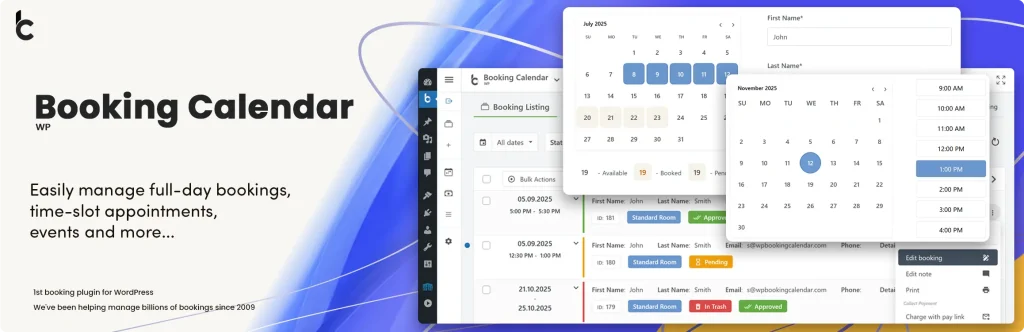
The Booking Calendar is one of the oldest WordPress booking plugins to add a beautiful, responsive booking calendar to your site to accept online reservations, manage appointments, and schedule events.
It provides an easy-to-use booking system for displaying calendar availability, receiving bookings from your website visitors, and managing bookings through a modern and clean booking admin panel.
Key Features:
- Customizable Booking Forms: Add, edit, or remove fields in the booking form to collect specific information from your clients.
- Availability Management: Provides a clear calendar view for visitors and automatically blocks booked dates to prevent double-booking.
- Payment Integration (Pro): Supports online payments through gateways like PayPal, Stripe, Authorize.Net, and Sage Pay.
- Syncing & Import/Export: Two-way synchronization with Google Calendar, Airbnb, Booking.com, and TripAdvisor via iCal feeds.
| Pricing: Free + Premium (Starting from $79) |
| Pros: Lifetime license, reliability, deep customization, and excellent support |
| Cons: Outdated interface and no event ticketing system |
| Why We Recommend Booking Calendar: If you want to manage bookings and appointments on your site, then Booking Calendar is the best choice. |
6. Modern Events Calendar
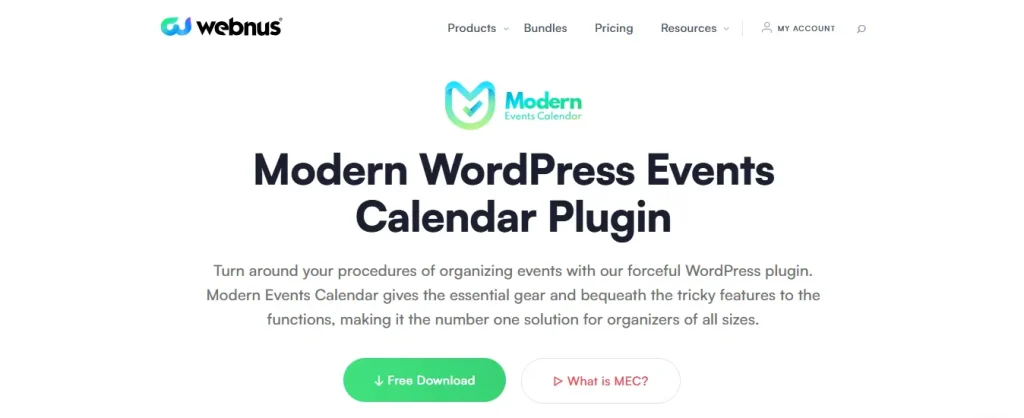
Modern Events Calendar is one of the most “design-forward” calendar plugins designed for creating, managing, and displaying events on a website. It focuses on a clean, modern aesthetic that fits well with contemporary website themes without requiring custom CSS.
Key Features:
- Extensive Display Layouts: It offers more skins than almost any other calendar plugin. You can display events as standard views, creative views, and agenda & timetable.
- Ticket Variations: Create different prices (e.g., Adult, Child, VIP).
- Payment Gateways: Built-in support for PayPal and Stripe (with WooCommerce integration available).
- Recurring Events: Support recurring events (daily, weekly, monthly, or custom intervals like “the third Friday of every month”).
- External Calendars: Two-way sync with Google Calendar, iCal, and Outlook.
- Import/Export: Easily move events from Facebook, Meetup, or other plugins like “The Events Calendar.”
| Pricing: Free + Premium (Starting from $99/yr) |
| Pros: Modern aesthetics, feature-rich lite version, highly customizable, and SEO optimized |
| Cons: Steep learning curve and add-on costs |
| Why We Recommend Modern Events Calendar: If you want to add modern aesthetics to your event management, this plugin is worth checking out. |
7. EventPrime

EventPrime is an all-in-one solution to publish new events on your website. It’s an easy-to-use, modern WordPress Events Calendar plugin.
You can create events right from the WordPress dashboard area. It offers powerful features in the free version. However, it also offers a wide selection of premium extensions.
Key Features:
- Multiple Views: It features month, week, agenda, and day views.
- Recurring Events: Supports recurring events similar to other calendar plugins.
- Payment Gateways: Accept payment for bookings via PayPal and Stripe.
- Multiple Ticket Types: Create multiple ticket types (e.g., VIP, General Admission).
- Live Seating Plans: Allows you to create visual seating maps where attendees can pick their specific seats.
- Frontend Submissions: Allows users or organizers to submit their own events from the front end of your site.
| Pricing: Free |
| Pros: Modern interface, performance, highly extensible, and seating selection |
| Cons: Expensive advanced features |
| Why We Recommend EventPrime: It offers a feature-rich free version to create events and provide a user-friendly interface. |
Which Is the Best WordPress Calendar Plugin?
The best WordPress calendar plugin depends on your website’s requirements. However, Sugar Calendar is considered to be the best WordPress calendar plugin for both experienced users and complete beginners.
In our opinion, Sugar Calendar stands out from the rest in terms of features and ease of use. This plugin is jam-packed with features for every use case.
You can create multiple calendars in just a few clicks, customize them, and add events. Additionally, it offers other powerful features, including online ticket sales, recurring event support, and integration with payment services.
If you’re looking for an all-in-one solution for event management with calendar functionality, The Events Calendar is the top choice. It also offers powerful features with a user-friendly interface.
FAQs About WordPress Calendar Plugins
Here are some questions people asked about WordPress calendar plugins.
Can I add a calendar to WordPress without a plugin?
WordPress doesn’t have a built-in calendar feature for managing events or appointments. You can only unlock this feature through a plugin or by editing code. Sugar Calendar is the best plugin to add calendars to your site.
What are the key features to look for in a calendar plugin?
The key features include multiple calendar views, recurring events, Google Calendar integration, customization, mobile responsiveness, and more. For business websites, key features include ticketing & RSVPs and payment gateways.
Which is the best free WordPress calendar plugin?
Almost all WordPress calendar plugins offer a lite version. You can use the lite version for free and then upgrade to the premium plan. Modern Events Calendar has a feature-rich lite version.
Can I use multiple WordPress calendar plugins?
It’s not recommended to use multiple calendar plugins due to potential conflicts. Plus, this can affect your page speed, which significantly impacts your search engine rankings.
Conclusion
WordPress calendar plugins allow you to add calendars to your website. Plus, they offer advanced features for booking and selling events.
The best WordPress calendar plugin depends on your website’s needs. In our opinion, Sugar Calendar is the best plugin for calendar creation with advanced features.
What do you think about these WordPress calendar plugins? Let me know in the comments.
Recommended WordPress Plugins:
[…] 7 Best WordPress Calendar Plugins (Free + Paid) – Compared […]