

Are you looking for alternatives to Pinterest? Yes? Here are some of the best Pinterest alternatives for creative ideas and growth.
Pinterest is a visual search engine rather than a traditional social media platform. It’s one of the most popular discovery platforms for creators, designers, and DIY enthusiasts, with over 600 million monthly active users.
It is a platform where you discover, save, and organize ideas—ranging from dinner recipes and home office decor to travel itineraries and DIY craft projects.
While Pinterest remains a juggernaut, the platform has evolved—some might say devolved—into a highly commercialized “shoppable” engine. For this reason, many creators are looking for alternatives to Pinterest.
In this post, we’ll explore some of the best Pinterest alternatives to showcasing your work, finding inspiration, or organizing ideas more efficiently.
Table of Contents
Why Explore Alternatives to Pinterest?
Pinterest is a visual discovery platform that enables users to discover, collect, and share visual content, including images and videos. Its evolution into a shopping-centric and algorithm-heavy platform has left many users and creators feeling “pinned” down.
Here are the primary reasons users are exploring alternatives to Pinterest:
- Visual Repetition: Pinterest’s algorithm tends to trap users in “echo chambers,” showing the same five aesthetics repeatedly rather than pushing for true discovery.
- Organic Decline: Pinterest used to be a traffic source for bloggers and businesses. Currently, it is increasingly difficult to gain visibility without a dedicated ad budget. Many creators’ monthly views declined drastically overnight.
- Link Friction: Pinterest has moved outbound links to smaller, less intuitive buttons to keep users on the app.
- Over-Commercialization: The platform has turned into a digital mall. It has prioritized “Shop the Look” features over the simple joy of curation. Moreover, sponsored pins often outnumber organic ones in a single scroll.
Pinterest is one of the best discovery platforms for inspiration. As time goes on, it has turned into a digital shopping mall, which used to be a digital scrapbook.
Top Pinterest Alternatives: Overview
| Platform | Ad-Free? | Best For |
|---|---|---|
| Behance | Mostly | Designer Portfolios |
| Dribbble | No (Minimal) | Digital Designers and Creative Professionals |
| Designspiration | No | Designers |
| Mix | Yes | Explorers |
| No | Readers & Bloggers | |
| Pearltrees | No | Students, Researchers, and Hobbyists |
| No | Influencers & Brands | |
| FoodGawker | Yes | Food Bloggers |
1. Behance
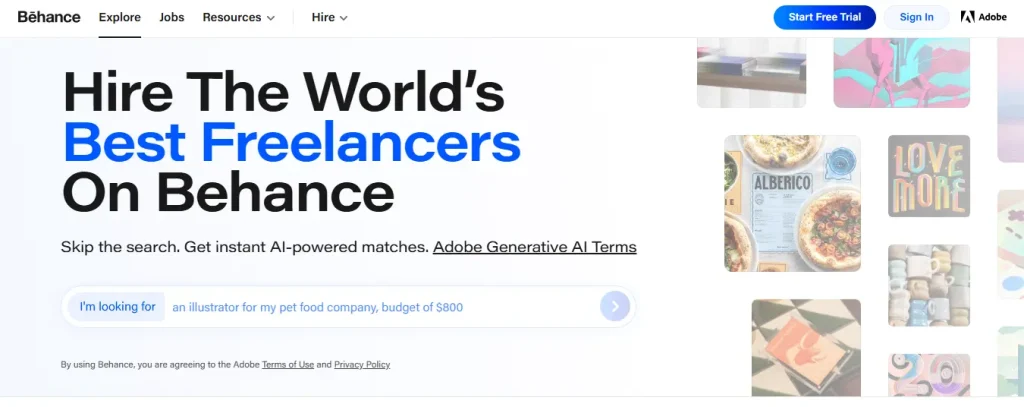
Behance is a social media platform for creative professionals to showcase their work, discover inspiration, and connect with potential employers. It’s owned by Adobe.
It functions as a hybrid between a digital portfolio and a social network, often described as the “LinkedIn for designers” or “Instagram for creatives.”
Behance is the best Pinterest alternative for designers to showcase their work. It provides a polished way to present “Projects”—collections of images, videos, and text that explain your creative process.
Key Features:
- Project Portfolios: It organizes work into “Projects.” You can upload high-resolution images, embed videos, and even include 3D models to show the story behind a finished piece.
- Adobe Creative Cloud Integration: You can publish your work from Photoshop or Illustrator directly to Behance. It also syncs seamlessly with Adobe Portfolio.
- Curation & Discovery: Experts hand-pick work to feature in Behance’s “Curated Galleries.” Getting “featured” in a gallery (like the Graphic Design or Illustration gallery) can lead to massive exposure.
- Job Board & Hiring: Companies and agencies can hire talent using the Behance Job List. You can mark yourself as “Available for Work,” and clients can message you or send project proposals directly.
- Moodboards & Inspiration: Similar to Pinterest, you can save work you love into public or private moodboards to reference later.
Pros:
- It has millions of recruiters and fellow creatives who browse the site daily. You can interact with other designers and get feedback about your work.
- You can host an unlimited number of projects and media for free.
- It offers an intuitive interface, and designers can easily create a portfolio.
- Behance projects often rank well in Google search results.
- It is free to use, and premium features are included with an Adobe Creative Cloud subscription.
Cons:
- Behance is filled with world-class talent, making it hard for beginners to stand out.
- It offers limited customization. You can’t change the layout of your profile or projects much.
- It is heavily focused on visual work; writers or developers may find the format restrictive.
2. Dribbble
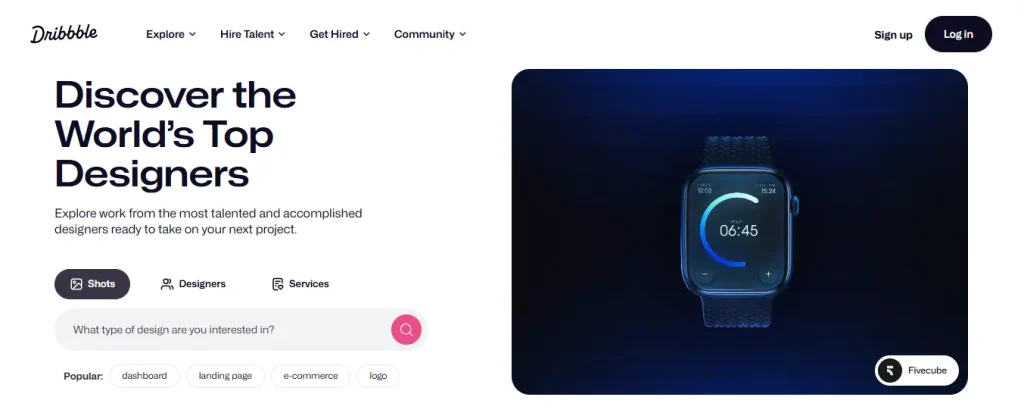
Dribbble is one of the best alternatives to Pinterest, especially for digital designers and creative professionals. It is a premier social networking and self-promotion platform, often described as the “Instagram for designers.”
Unlike Pinterest, it doesn’t require registration. It serves as a massive portfolio gallery where users share small screenshots of their work, known as “Shots.” You can explore the images on Dribbble to get an idea about different types of art.
Key Features:
- Shots: This is the primary feature of Dribbble. Users showcase 400×300 pixel (or larger) previews of a project. They often focus on specific UI elements, illustrations, or icons rather than full case studies.
- Playbook: It’s a customizable portfolio hosting service, allowing designers to turn their Dribbble profile into a standalone professional website.
- Job Board & Scout: Top companies (Google, Airbnb, and Apple) post design roles or use “Scout” tools to headhunt talent based on specific skills.
- Community Interaction: It offers features like “Liking” shots, following favorite designers, and “Playoffs”—where designers “rebound” (remix) each other’s work to show different perspectives.
Pros:
- It has over 10 million professional users worldwide. You can connect with many designers, share ideas, and get feedback on your design work.
- Unlike Pinterest, it focuses on high-quality design work. That makes it an exceptional platform to outsource design-related projects or find great ideas as a designer.
- Top companies hire talent from this platform. You can also grab some attention with your creative projects.
Cons:
- Dribbble is not for everyone. It’s a perfect platform for creative professionals and digital designers.
- Comments are often shallow (e.g., “Nice shot!”, “Cool colors!”) rather than providing constructive critique.
3. Designspiration
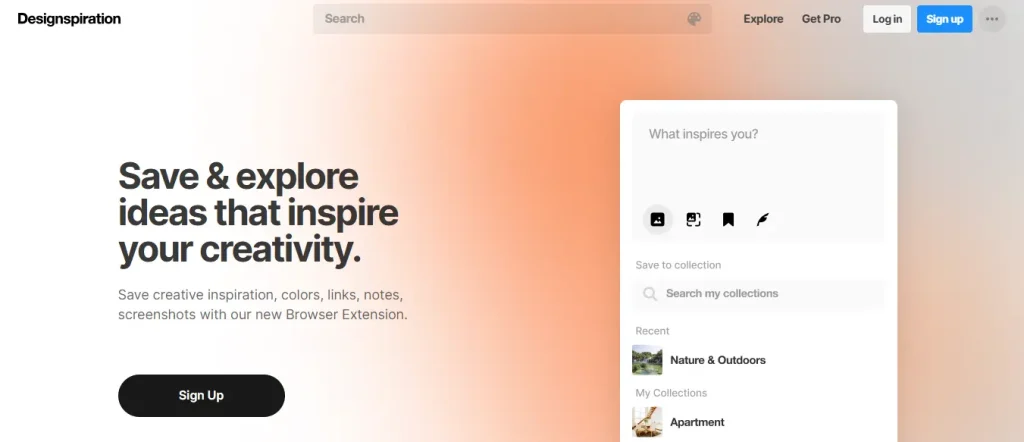
Designspiration is a curated visual search engine and shelf-sharing platform specifically tailored for the creative community. You can think of it as the sophisticated, design-obsessed sibling of Pinterest.
While Pinterest is a “catch-all” for everything from sourdough recipes to DIY sheds, it focuses on high-quality graphic design, typography, architecture, and photography.
Key Features:
- Advanced Color Search: You can select up to five colors, and the engine will find images that specifically feature that palette.
- Curated Feed: It maintains a high bar for quality. The content is heavily focused on professional-grade aesthetics.
- Saved Collections: Like Pinterest, you can organize your finds into “Collections” (similar to boards) to keep projects separate.
- Integration & Extension: It offers a browser extension that allows you to “save” images from around the web directly to your collections.
Pros:
- It offers professional design inspiration rather than memes or clutter.
- The clean interface makes it easy to explore designs.
- You can organize your favorite images, colors, and links to mood boards.
- You can interact with the community via comments.
Cons:
- It doesn’t have a massive user base like Pinterest.
- Some of the most useful features (like private boards) are locked behind the Pro subscription.
4. Mix
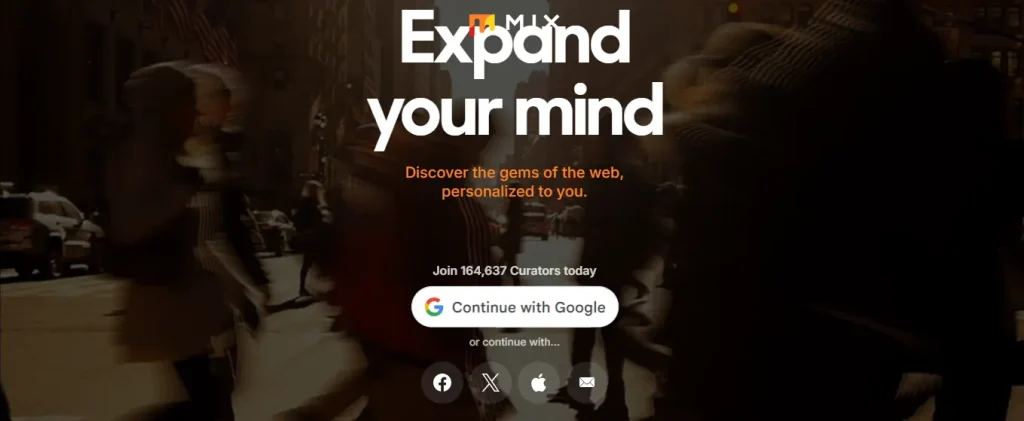
Mix is a personalized content discovery and curation platform. Unlike a traditional search engine, Mix focuses on “serendipitous discovery”—helping you find interesting articles, videos, and images that you wouldn’t have thought to look for.
Key Features:
- Collections: Similar to Pinterest, you can organize your favorite links into themed collections.
- Personalized Feed: It uses an algorithm to learn your interests over time. The more you save or interact with content, the more accurately it suggests new topics to you.
- Social Curation: You can follow other users or specific collections. The algorithm will detect what you’ll like.
- Browser Extensions: It offers extensions for Chrome, Safari, and Firefox, making it easy to save any webpage to your collections with a single click.
- Community Discovery: It leverages a “human-curated” approach rather than just machine-learning.
Pros:
- Unlike social media, Mix often provides high-quality, long-form content and niche articles.
- It serves as a visual bookmarking tool, helping you keep track of resources.
- The interface is clean and visual, focusing on the content rather than clutter.
Cons:
- Users have frequently noted that the mobile app can be less intuitive or “buggier” than the desktop/web version.
5. Flipboard
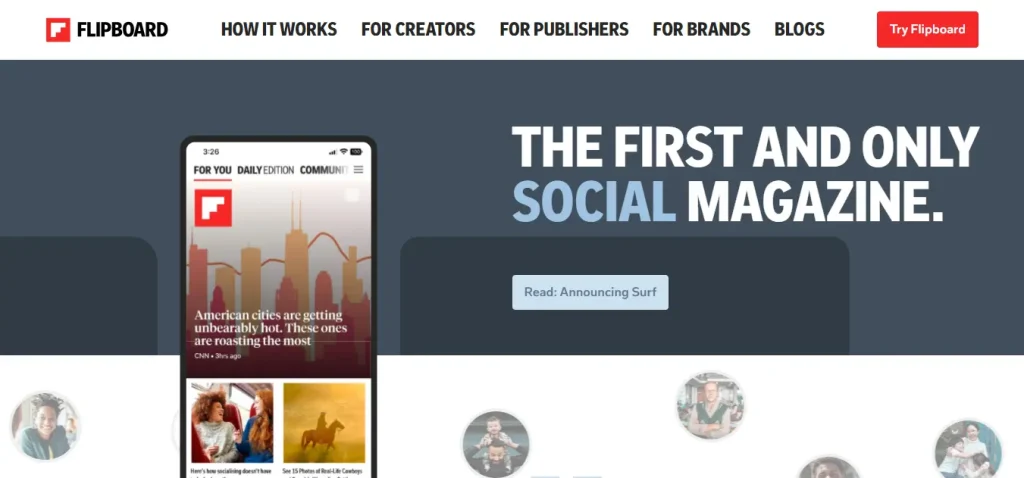
Flipboard is a visually appealing digital magazine. It has evolved from a simple feed reader into a powerful curation tool that blends professional journalism with user-generated collections.
Currently, it allows you to follow and interact with content from platforms like Mastodon, Threads, and Bluesky directly within its “flip-style” interface.
Key Features:
- The “Flip” Mechanic: It uses a vertical or horizontal “flip” animation that mimics turning the pages of a physical magazine.
- User Magazines: You can add (flip) any article, video, or photo into your own personal magazine. You can make your collections private or public for others to follow.
- Smart Magazines: AI-driven feeds that combine your interests, specific hashtags, and social media accounts to create a constantly updating, personalized publication.
- The Daily Edition: It’s a curated news digest delivered every morning by Flipboard’s editorial team, covering top stories in news, tech, sports, and lifestyle.
- Reader View: This feature strips away website clutter, ads, and pop-ups to present articles in a clean, text-focused format.
Pros:
- It offers a visually appealing interface.
- It surfaces higher-quality content than typical social media algorithms by combining human editors with AI.
- It is incredibly easy to find very specific communities (e.g., “Vintage Watch Restoration” or “Backyard Beekeeping”).
- Your magazines and reading progress sync seamlessly across iOS, Android, and the web.
Cons:
- Many users report that advertisements have become more frequent and sometimes block the actual content or mimic articles.
6. Pearltrees
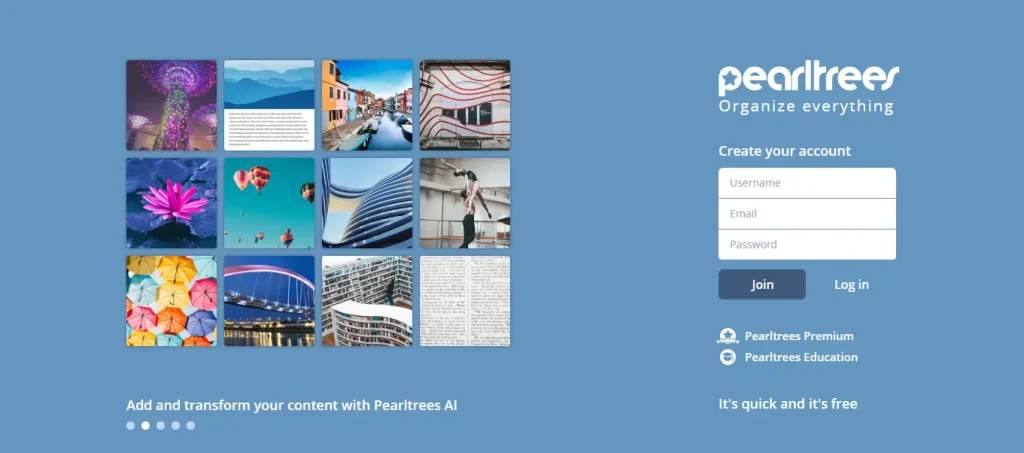
Pearltrees is a visual curation and social bookmarking platform that enables users to organize, explore, and share digital content. It organizes URLs, files, photos, and notes into “pearls” that are grouped into “trees” (collections), creating a visual map of your interests.
Key Features:
- Visual Organization: It displays your bookmarks and files in a branching, mind-map structure that helps you see the hierarchy and relationship between different topics.
- Multi-Format Support: Save web pages, PDF files, images, personal notes, and even snippets of other websites into a single collection.
- AI Capabilities: AI tools automatically categorize your content, summarize articles, and suggest related “pearls” from the community to expand your research.
- Collaborative Teams: Multiple users can contribute to a shared collection, making it a powerful tool for group projects or corporate knowledge management.
- Discovery & Interest Graph: You can “pick” pearls from other users’ public trees to add to your own, and the platform uses an “interest graph” to recommend curators with similar tastes.
Pros:
- It offers a highly intuitive visual interface to digesting complex information compared to standard text lists.
- Like Pinterest, you can explore other users’ projects to get ideas.
- You can save everything, including web pages, files, photos, videos, notes, etc.
- Collaborative features are robust, allowing real-time co-curation of resources.
Cons:
- The free tier includes advertisements and promotional messages that can be distracting.
7. Instagram
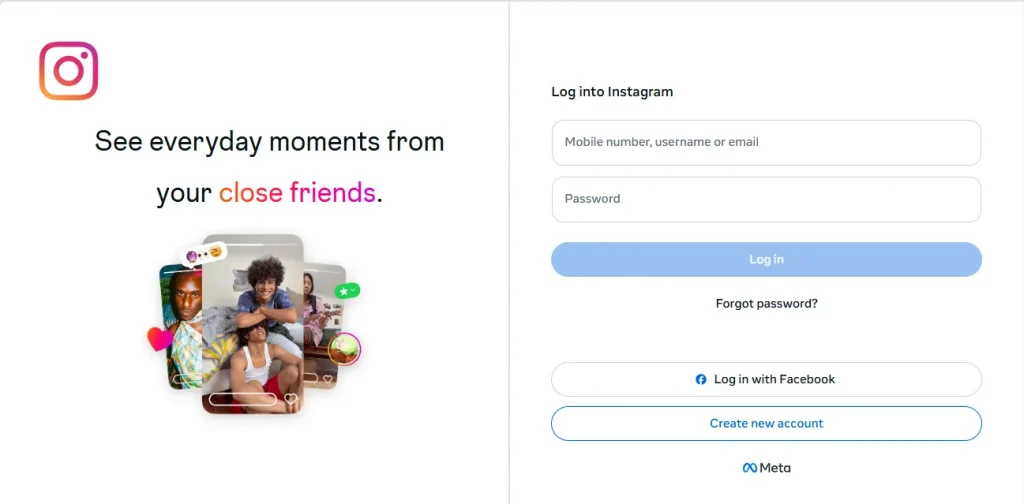
Instagram is a visual social media platform, owned by Meta (the same company that owns Facebook and WhatsApp). Since its inception in 2010, it has evolved into a massive “visual-first” ecosystem where over 2 billion people share photos, short-form videos (Reels), and live broadcasts.
Instagram stands out as an alternative to Pinterest. It has moved beyond “pretty pictures” to become a major hub for e-commerce, AI-driven discovery, and professional content creation.
Key Features:
- Feed & Carousels: The traditional home for high-quality photos and videos. Carousels (multiple photos in one post) are perfect for storytelling and educational content.
- Stories: Vertical photos or videos that disappear after 24 hours. Story Extend allows certain users to keep stories live for an extra day.
- Reels: Similar to TikTok, Instagram Reels are short-form, vertical videos (now up to 5-10 minutes) that use music and AR effects.
- Instagram Shopping: Allows businesses to tag products in posts, enabling users to buy items without ever leaving the app.
- Explore & Search: It has become a “social search engine,” where users search for locations, tutorials, and products directly.
Pros:
- The best platform for brands and individuals to build a “vibe” or aesthetic.
- The Reels feature can push your content to millions of non-followers overnight.
- Built-in AI helps with caption writing, image editing, and even summarizing long DMs.
Cons:
- With billions of users, it is increasingly difficult to stand out without a specific niche or budget.
8. FoodGawker
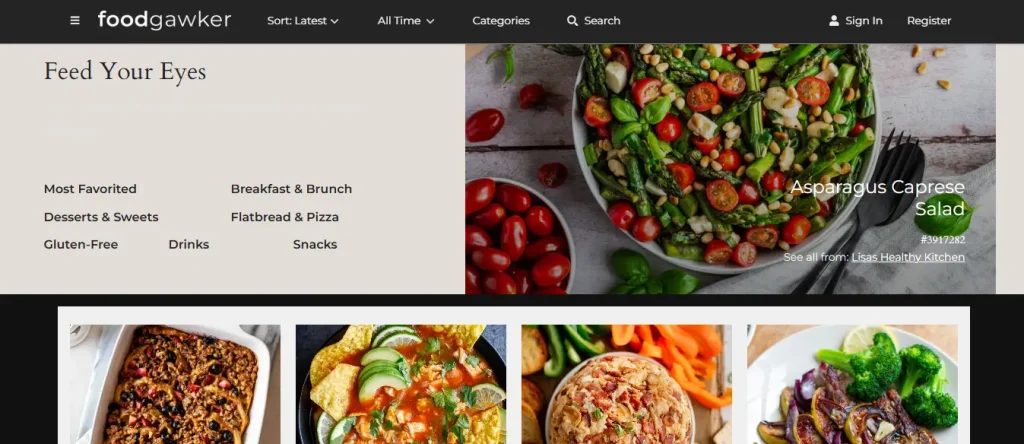
FoodGawker is a visual gallery website that serves as a discovery platform for food enthusiasts and a traffic-driving tool for food bloggers. You can think of it as a Pinterest for food, where every image is hand-reviewed by editors for high aesthetic standards.
Key Features:
- Curated Visual Feed: Instead of text-heavy descriptions, users browse an endless grid of high-resolution food photography.
- Direct Link-Backs: When you click an image, you are redirected to the original website.
- The “Heart” System: You can “heart” (favorite) recipes to save them to your personal profile for later reference.
- Advanced Filtering: Sort by “Most Gawked” (popular), “Latest,” or filter by specific categories like vegan, gluten-free, or specific meal types.
- Submission Review Process: You can’t post anything. Every photo submitted by a blogger is manually reviewed for lighting, composition, and technical quality.
Pros:
- It only features high-quality recipe photos in the feed.
- You can get endless inspiration from food bloggers.
- Very little clutter compared to traditional recipe sites.
Cons:
- While the photo must be great to get accepted, the recipe itself isn’t tested by the editors.
FAQs
What happened to We Heart It?
We Heart It was a visually captivating platform that captivated users with an enchanting collection of images and art. It was one of the alternative options to Pinterest.
In early 2023, the platform’s current owners fundamentally changed the app’s purpose. They pivoted We Heart It from an image-sharing social network into a photo-editing and utility app. That’s what killed the platform as a social discovery site.
While the name and website still exist, the platform removed the ability to upload photos from its app.
Which Pinterest alternative is best for designers?
Behance and Dribbble are the best choices for designers seeking professional exposure and job opportunities.
What are the best alternatives to Pinterest?
Some of the best Pinterest alternatives include Behance, Dribbble, Designspiration, Mix, and Pearltrees.
Final Thoughts
Pinterest is undoubtedly the most popular discovery social platform with over 600 million users. It doesn’t mean there are no alternatives to Pinterest.
As you can see, you can explore some of the best Pinterest alternatives for exposure and inspiration. If you want a less crowded platform, you can try the above platforms.
What do you think about these Pinterest alternatives? Let me know in the comments.
Recommended Articles: