

Are you looking for the best WhatsApp alternatives? Yes? Here are some of the best private messaging apps that work similarly to WhatsApp.
WhatsApp is a free, multi-platform messaging app that lets you send texts, make calls, and share media using an internet connection. It’s owned by Meta (the same folks behind Facebook and Instagram).
WhatsApp has become the most popular messaging tool globally, largely because it bypasses expensive international texting fees.
The main reason behind its popularity is End-to-End Encryption. It’s a feature that provides privacy while messaging. Only you and the person you’re communicating with can read or listen to what is sent.
Table of Contents
Why People Are Looking for WhatsApp Alternatives
WhatsApp has a massive user base of over 3 billion people. However, it has seen a significant “migration” trend toward other platforms.
This isn’t just about people trying the newest trend; it’s driven by a mix of genuine privacy fears, technical fatigue, and the arrival of highly specialized competitors.
Here are some of the possible reasons people are looking for WhatsApp alternatives.
1. The Metadata “Paper Trail”
WhatsApp is known for end-to-end encryption (E2EE). However, Meta still collects a wealth of metadata, including who you talk to, for how long, your IP address (which indicates your location), and even your device’s battery level.
Meta has integrated this data across Facebook and Instagram to build “digital personas” for advertising, which has made privacy-conscious users uncomfortable.
2. AI Integration & “Feature Bloat”
Many users feel the aggressive rollout of Meta AI into the chat interface has been a polarizing move. They feel that the AI was “forced” into their search bars and chats without a clear opt-out option.
WhatsApp used to be a simple messaging app. Now, it feels like a Swiss Army knife that’s getting too heavy. Between Channels, Status updates, Catalogs, and AI chatbots, the clean interface experience is fading.
3. The “Spyware” Factor
Recently, reports of sophisticated spyware (like the Paragon exploits) targeting WhatsApp users made headlines.
Meta responded with a new “Strict Account Settings” (a lockdown mode for high-profile users). Still, users think that the world’s most popular app remains a primary target for state-level hackers drives people toward smaller, “hardened” apps like Signal.
What to Look for in a Messaging App
Before jumping into WhatsApp alternatives, let’s talk about what actually matters in a messaging app. Some focus heavily on privacy, others on features, and some aim to be an all-in-one super app.
Here are some essential features for a messaging app:
- End-to-End Encryption (E2EE): It’s an essential feature to have in a messaging app. It ensures only you and the recipient can read the messages.
- Post-Quantum Cryptography (PQC): The best apps have upgraded their encryption to be “quantum-resistant.” This protects your current data from being decrypted by powerful future computers. This feature is not essential for messaging apps. Only high privacy-focused apps include this.
- Clean Chat Interface: The messaging app must have a clean chat interface. People don’t like a cluttered interface that makes chatting uncomfortable.
- Cross-Platform Compatibility: Ability to use on Android, iOS, Windows, macOS, and the web.
You want a messaging app that is reliable, safe, and comfortable.
WhatsApp Alternatives: Comparison
| # | App | End-to-End Encryption | Compatibility | Best For |
|---|---|---|---|---|
| 🥇 | Signal | ✅ | Android, iOS, Windows, Mac, and Linux | Maximum Privacy |
| 🥈 | Telegram | ✅ | Android, iOS/iPadOS, Windows, Mac, Linux, and Web | Large Communities |
| 🥉 | Threema | ✅ | Android, iOS, Windows, Mac, and Linux | Anonymity |
| Session | ✅ | Android, iOS, Windows, Mac, and Linux | Extreme Privacy | |
| SimpleX chat | ✅ | Android, iOS, Windows, Mac, and Linux | Absolute Privacy | |
| Briar | ❌ | Android, Windows, Mac, and Linux | Offline Use | |
| LINE | ✅ | Android, iOS, Windows, Mac, Chrome, watchOS, and Wear OS | All-In-One Ecosystem |
1. Signal
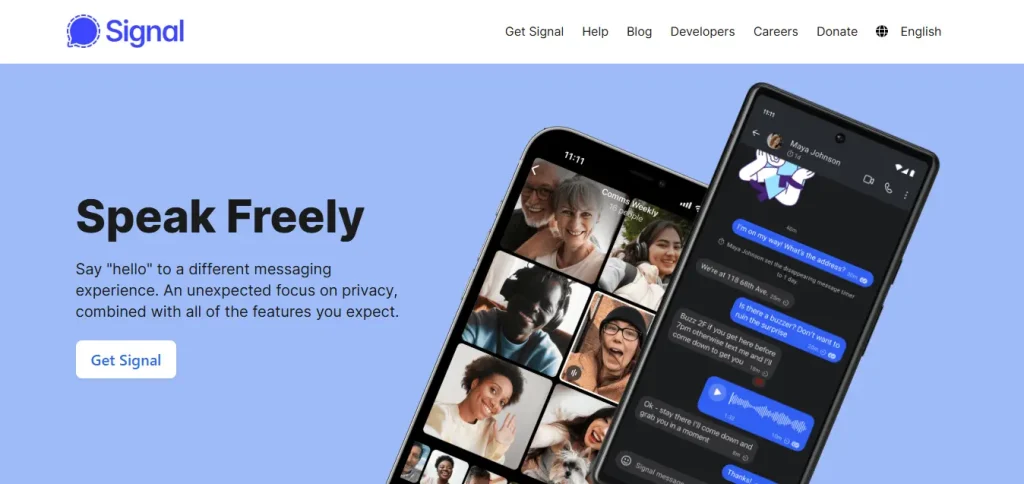
Signal is a free, open-source, and non-profit messaging app, developed by the Signal Foundation, a 501(c)(3) non-profit. It’s widely considered the gold standard for digital privacy.
Unlike mainstream competitors that may collect “metadata” (who you talk to and when), Signal is designed to protect your privacy.
Key Features:
- End-to-End Encryption (E2EE): By default, every message, call, and file is encrypted. Not even Signal can read your messages.
- Post-Quantum Resistance: This feature protects your data against future decryption attempts by quantum computers.
- Disappearing Messages: Set a “self-destruct” timer on chats (ranging from 30 seconds to 4 weeks), after which messages are deleted from both devices.
- Usernames (Privacy from Phone Numbers): You need a phone number to create an account. You can now set a username and hide your phone number, so others can find you without seeing your digits.
- Sealed Sender: This feature hides sender information from Signal’s servers, ensuring the platform doesn’t even know who sent a message to whom.
- No Cloud Backups: Messages are stored on your local device. This security feature ensures your data isn’t sitting on a vulnerable cloud server.
- Group Everything: It supports encrypted group chats (up to 1,000 people) and group video calls (up to 50 people).
| Compatibility | Android, iOS, Windows, Mac, and Linux |
| Pros | Industry-leading privacy, open-source, no ads or tracking, and advanced security features |
| Cons | Local storage only and requires a phone number |
| Why We Recommend Signal | It’s the best choice for those who prioritize absolute privacy. |
2. Telegram
Telegram is a cloud-based instant messaging service that has evolved into a hybrid between a chat app and a social media network.
Telegram distinguishes itself from competitors like WhatsApp through its massive group capacities, open API for bots, and seamless multi-device synchronization.
Key Features:
- Cloud-Based Service: It stores your messages in the cloud. This allows users to log in on multiple devices (phone, tablet, PC) simultaneously without needing your phone to be online.
- Massive Groups & Channels: It allows users to create groups and channels. A group can host up to 200,000 members, making them ideal for large communities or project coordination.
- Large File Sharing: Allows users to send files of any type up to 2 GB each (or 4 GB for Premium users).
- Secret Chats: It uses end-to-end encryption (E2EE) for maximum privacy. Also, it features self-destructing timers.
- Usernames: Set a username to hide your phone number.
| Compatibility | Android, iOS/iPadOS, Windows, Mac, Linux, and Web |
| Pros | Privacy-focused, clean user experience, customization, and cross-platform sync |
| Cons | No default E2EE and collect some metadata |
| Why We Recommend Telegram | It’s the best choice for those who want chat features along with a social media vibe. |
3. Threema

Threema is a premium, Switzerland-based (a country famous for privacy laws) instant messaging app designed with a heavy emphasis on privacy, anonymity, and security.
You don’t need a phone number or email address to sign up on Threema. Instead, it generates a unique, anonymous Threema ID for every user. Moreover, it’s a “Zero-Knowledge” messaging platform, meaning the company itself cannot access your messages or metadata.
Key Features:
- Anonymous Registration: You can create an account without a phone number or email address.
- End-to-End Encryption (E2EE): Every communication—text, voice/video calls, group chats, and files is encrypted using the open-source NaCl cryptography library.
- Threema Safe: It’s an anonymous backup solution that allows you to recover your ID and data if you lose your phone.
- Contact Verification: You can verify a contact’s identity in person by scanning their QR code. This prevents man-in-the-middle attacks.
- Privacy-First Metadata: It is built to generate as little metadata as possible. Groups and contact lists are managed locally on your device.
| Compatibility | Android, iOS, Windows, Mac, and Linux |
| Pros | Ultimate privacy, strict data protection laws, no ads or tracking, and open-source |
| Cons | Premium only and limited multi-device |
| Why We Recommend Threema | It’s the best choice for those who prioritize anonymity and security. |
4. Session
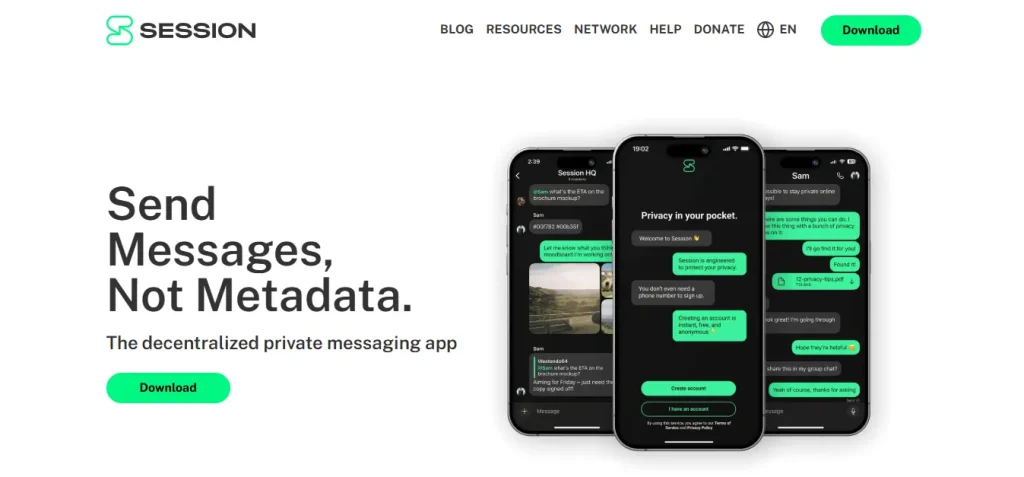
Session is an end-to-end encrypted (E2EE) instant messaging app designed for users who treat their privacy like a high-security vault. If Signal is privacy-focused, Session is privacy-obsessed.
It operates on a decentralized network powered by blockchain technology. Instead of relying on central servers, messages are routed through distributed nodes.
Key Features:
- No Phone Numbers or Emails: It doesn’t require a phone number or email address to create an account. Instead, you sign up using a “Session ID”—a unique string of numbers and letters.
- Onion Routing: It sends messages through a decentralized network of “service nodes” (similar to the Tor browser). This masks your IP address so even the network doesn’t know who is talking to whom.
- Open Source: The code is public, meaning anyone can audit it to ensure there are no hidden “backdoors.”
- Minimal Metadata: Session is designed to store as little of this as humanly possible.
| Compatibility | Android, iOS, Windows, Mac, and Linux |
| Pros | Anonymity, onion routing, a decentralized network, and strong encryption |
| Cons | Niche app and lacks bloat features |
| Why We Recommend Session | It’s the best choice for people who prioritize privacy and anonymity. |
5. SimpleX Chat
SimpleX Chat is another decentralized messaging platform that distinguishes itself by being the first and only messenger to have no user identifiers.
Unlike Session (which uses account IDs), SimpleX generates unique, one-time “queues” for every individual connection.
Key Features:
- No User IDs: It doesn’t require usernames, phone numbers, or emails. Users connect by sharing a one-time QR code or an invite link.
- Double-Ratchet & Quantum Resistance: It uses the Double Ratchet algorithm for end-to-end encryption (E2EE) and has implemented quantum-resistant encryption to protect against future computer decryption technologies.
- Unidirectional Message Queues: It uses “one-way pipes” technology. Your outgoing messages go through one server, and incoming messages come through another, preventing a single server from seeing the full conversation “handshake.”
- Incognito Mode: You can set a different display name and profile picture for every individual contact.
- Secret Groups: Supports “secret” groups where only members know the group exists and who else is in it.
| Compatibility | Android, iOS, Windows, Mac, and Linux |
| Pros | Anonymity, metadata hardening, decentralized, and open-source |
| Cons | Small user base and no native multi-device sync |
| Why We Recommend SimpleX Chat | It’s the best choice for people who prioritize absolute privacy and anonymity. |
6. Briar
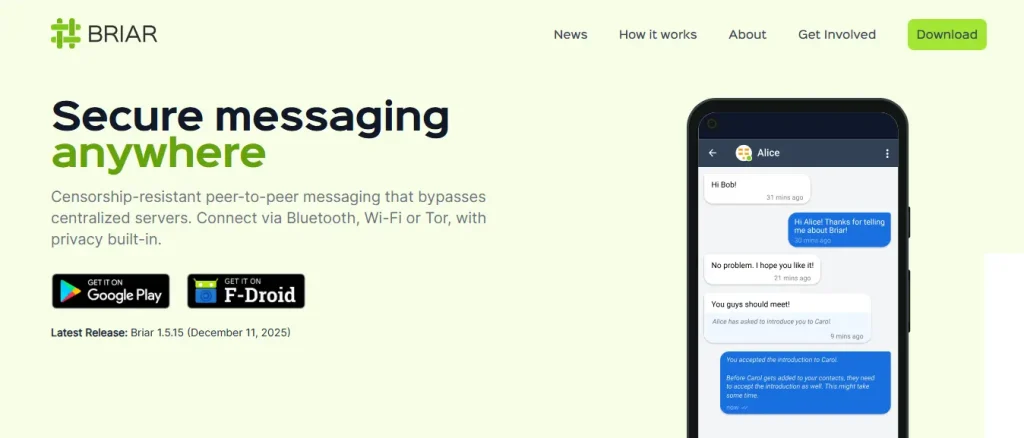
Briar is an open-source, peer-to-peer (P2P) messaging app designed for activists, journalists, and anyone living in areas where surveillance, censorship, or internet shutdowns are common.
Unlike WhatsApp or Signal, Briar doesn’t use a central server. It synchronizes messages directly between users’ devices. It can function via Bluetooth or Wi-Fi without an internet connection.
Key Features:
- Serverless Technology: There is no central server to store your messages, metadata, or contact lists. Everything stays on your device.
- Multi-Path Syncing:
- Internet: Uses the Tor network by default to hide your location and identity.
- Offline: Connects via Bluetooth or local Wi-Fi if the internet is blocked or unavailable.
- Sneakernet: Can even sync data via removable storage like USB sticks or SD cards.
- Anonymous Accounts: It doesn’t require a phone number, email address, or SIM card. You simply create a nickname and a password.
- Encrypted Forums & Blogs: You can create private groups, threaded forums, and micro-blogs that sync across the network.
- Panic Button: Allows you to quickly delete your account and all data if your physical safety is threatened.
| Compatibility | Android, Windows, Mac, and Linux |
| Pros | Ultimate privacy, censorship-proof, offline use, and no personal data |
| Cons | No iOS version and no voice/video calls |
| Why We Recommend Briar | It’s the best choice for activists and journalists who prioritize absolute privacy and offline use. |
7. LINE
LINE is considered to be a “super app” that dominates the digital landscape in Japan, Taiwan, and Thailand. It was launched in 2011 to provide communication during the Tohoku earthquake.
Since then, it has evolved into a massive ecosystem where you can do everything from pay for groceries to read manga and book taxis.
Key Features:
- LINE VOOM (Social Feed): It’s a TikTok-like video and photo feed where you can follow creators and friends, effectively acting as a social network within the messenger.
- Texts, Voice & Video Calls: You can send one-on-one and group texts, and use international voice and video calls with your friends.
- OpenChat: You can meet new friends with similar interests and share fun news and information.
- Letter Sealing (E2EE): An end-to-end encryption feature for messages and calls.
- LINE Pay: A built-in digital wallet for peer-to-peer transfers and in-store payments.
| Compatibility | Android, iOS, Windows, Mac, Chrome, watchOS, and Wear OS |
| Pros | All-in-one solution, multi-device support, and group capacity (up to 500 people) |
| Cons | Feature bloat and limited global reach |
| Why We Recommend LINE | It’s the best choice for people who want an all-in-one ecosystem in a messenger app. |
Frequently Asked Questions
Here are some of the common questions about WhatsApp alternatives.
What is the safest alternative to WhatsApp?
Signal and Telegram are considered to be the safest alternatives to WhatsApp. It’s because they provide strong end-to-end encryption and collect minimal metadata.
Which app is better than WhatsApp for large groups?
Telegram is the best option for large communities. It can support up to 200,000 members in a single group.
It also features “Channels” for unlimited broadcasting and enhanced moderation tools, including bot-automated filters and granular permissions.
Can I use these apps without a phone number?
WhatsApp alternatives like Threema and Session don’t require a phone number. Instead, you create an ID to register. This allows you to hide your personal information.
Final Thoughts
WhatsApp is the most popular messaging app with over 3 billion monthly active users. It doesn’t mean there are no alternatives to WhatsApp.
WhatsApp is not a bad messaging app. It’s reliable, encrypted, and widely used. But you may want to try something new.
The messaging app has evolved. Now, you can choose:
- Maximum privacy
- Decentralization
- Massive communities
- All-in-one super apps
It’s like choosing between different lifestyles. Some people prefer simplicity and security. Others want total anonymity.
What do you think about these WhatsApp alternatives? Let me know in the comments.
Recommended Articles: